
Qwen

-
Create and edit images

-
Generate videos in 16:9, 4:3, and more

-
Create apps with
no-code
-
Memory-saving feature

Qwen is an AI assistant that runs directly in your browser and handles nearly any task: it creates videos and images from descriptions, analyzes uploaded files, transcribes speech, helps with writing and coding, searches the web for information, and compiles detailed reports. It can remember your data, launch mini-apps on request, and work seamlessly over any open webpage without requiring you to switch tabs.
Video generation
Qwen can create short videos with sound and realistic animation — just describe the scene in your own words.
Generate a videoThe resulting video is free of watermarks, high-quality, and ready for publishing on any platform. You can select a video format tailored to your target platform:
| Format | Where to use | Notes |
|---|---|---|
| 1:1 | Instagram feed, Facebook posts | Versatile square format that looks good on any device |
| 3:4 | Vertical creatives, older Instagram videos | Takes up more screen space on a phone |
| 4:3 | Educational and presentation videos | Classic format with a “retro effect” |
| 16:9 | YouTube, Vimeo, websites | Suitable for reviews, promos, and streams |
| 9:16 | TikTok, Reels, Shorts | Ideal for vertical videos, maximizes engagement |
Advertising videos
You can create short promo videos from product photos for product cards, stories and ads.
Create an ad videoVideos for TikTok or YouTube
Qwen lets you create short social media videos using your own photos, friends’ pictures or even images of celebrities. For TikTok, Reels and YouTube Shorts, you can select the 9:16 vertical format.
Create a video with a celebrityYou can describe any scene and the system will generate a clip.
These videos are perfect for entertaining kids or pranking your friends.
Photo Animation
You can bring photos to life: whether it’s a family photoshoot, old pictures of loved ones, or your own youthful portraits. The AI generates a video with natural, lifelike animation, giving you a fresh way to relive precious moments and share them with others.
Create a nostalgic videoOr you can upload your own portrait photo: a selfie, a studio shot, any clear portrait, and literally turn a static picture into a live, realistic avatar.
Image generation
Qwen generates images based on your text description.
For each request, you can receive up to four image variations in multiple aspect ratios: 1:1, 16:9, 9:16, 3:4, and 4:3. The model enhances image quality, upscales resolution, and edits images according to your instructions, including modifying specific areas of the image. Up to 20 images are available free of charge per day.
Explain an idea using an image
You can describe a complex idea in simple words — the model will turn it into a clear visual image.
Turn complex into simple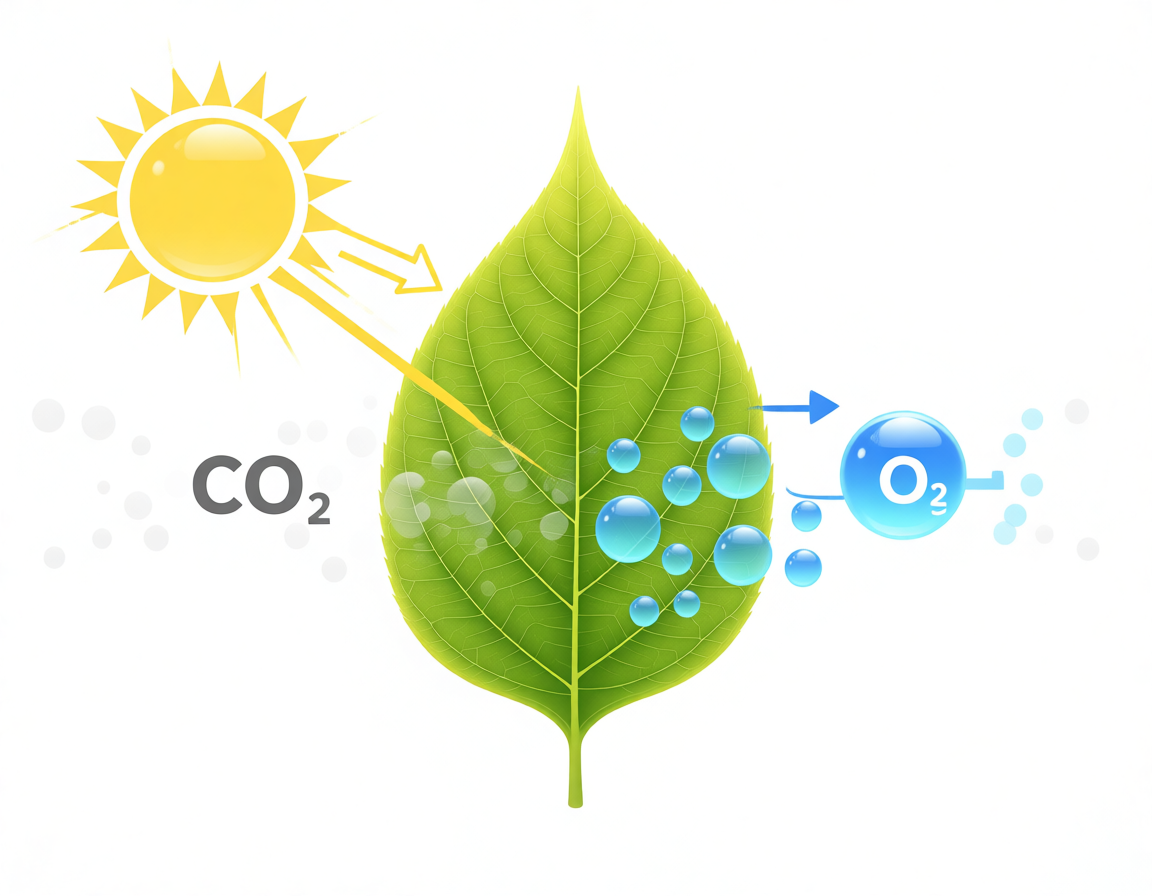
Create a profile picture
You can update your avatar by uploading a photo and adding any elements you like: clothes, accessories or a style you prefer.
Edit the photoThis is what the photo looked like before

And after generation

Commercial visualization
You can quickly create an image that matches your post or Story without searching through stock photos.
Create an image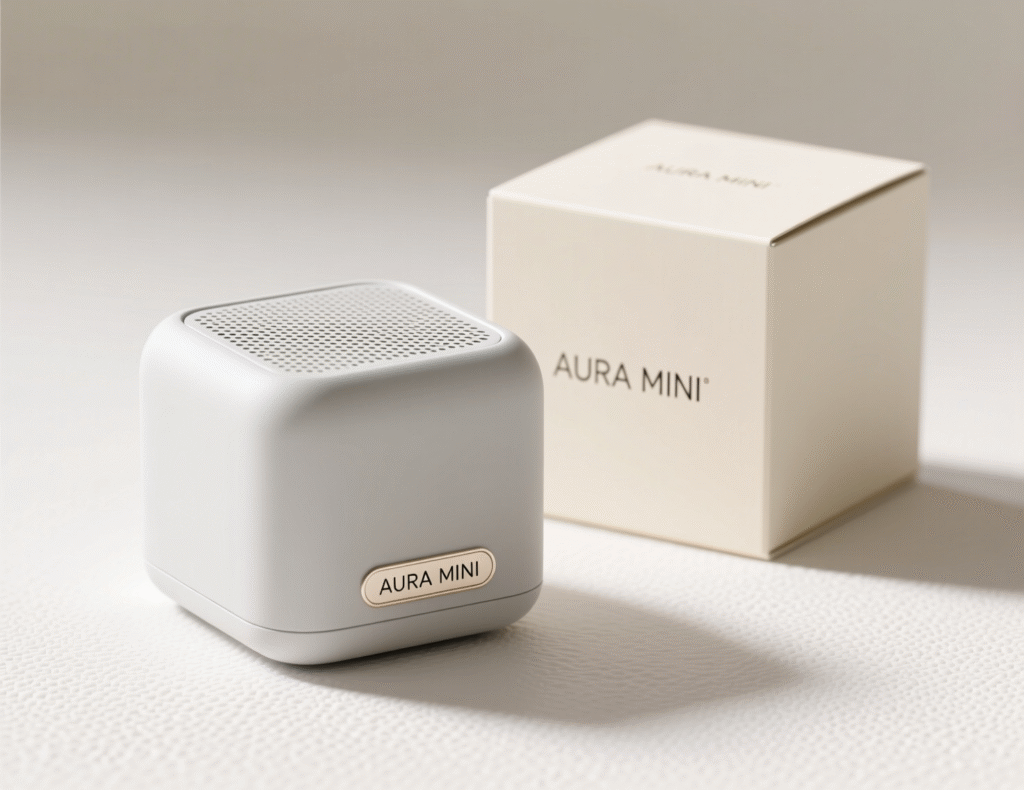
Memory Feature
The model can remember data from your personal context: workout schedules, nutrition goals, daily routines, or preferences for how notes are formatted. This lets it maintain journals, remind you about habits, and generate personalized plans without you having to enter the same information over and over.
For example, you can keep a food journal. You just write what you ate, and the system will track calories, protein/fat/carb balance, and even remind you of your goal — without copying, pasting, or manual calculations:
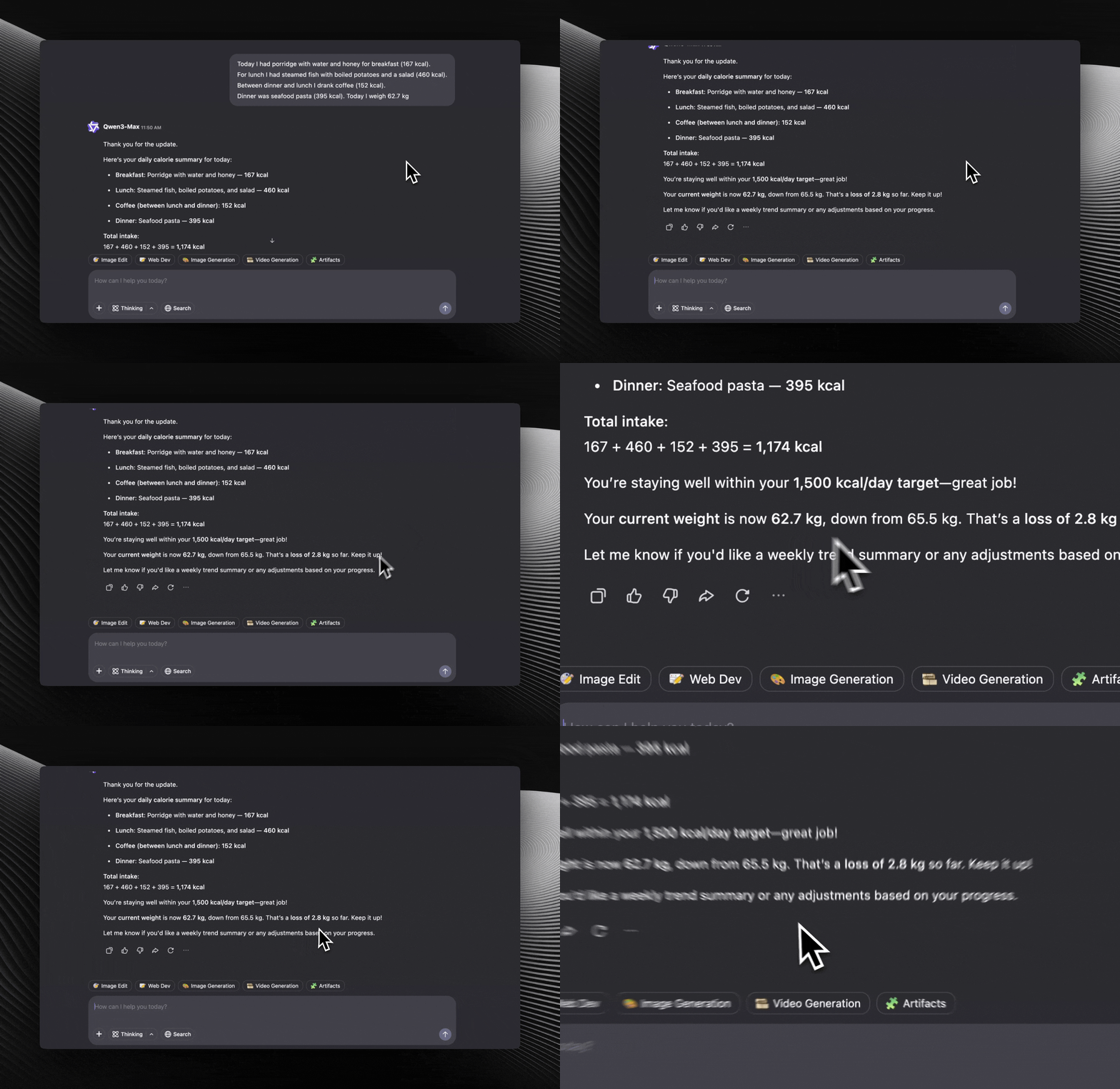
Web development
Creates websites and mini-apps from text descriptions. Automatically generates both logic and interface, allows editing and re-running without rebuilding from scratch. Projects are saved internally, and the final result is shareable via link or available for download.
You can quickly create utilities for everyday or work tasks: from checklists to mini-forms, and start using them right away without code or complex setup.
Here’s an example of a cost calculator you can create for work in just a few minutes:
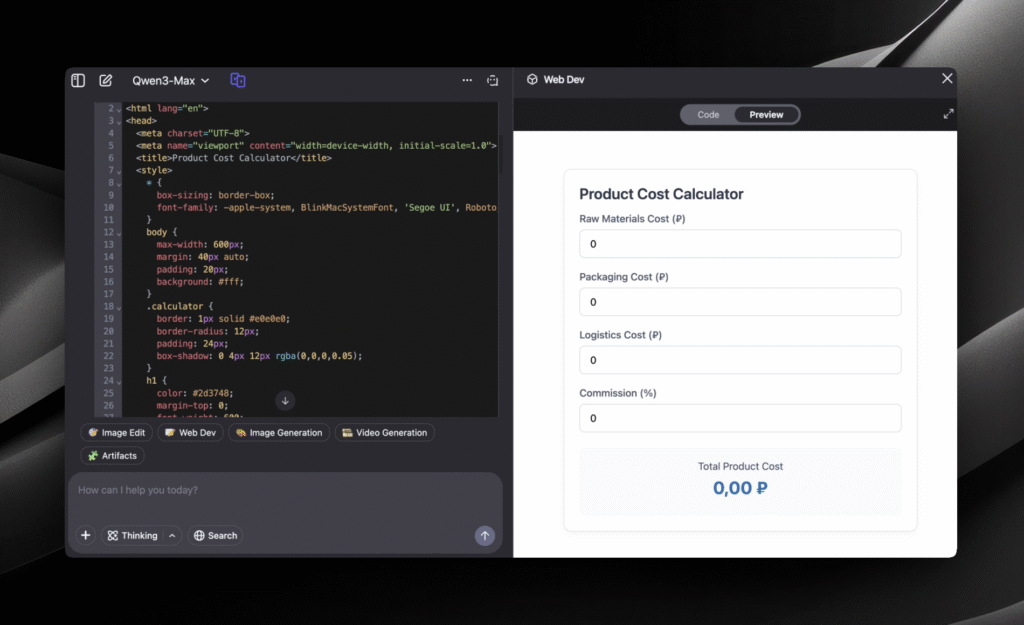
Create a website from scratch. Just describe what should appear on the page:

Search
Qwen can search for information on the internet: it checks at least 10 sources, filters out irrelevant websites and fakes, analyzes the data and produces a structured answer with links.
With this feature, you can quickly gather information for a project, article, research or presentation, including links to reliable sources. You can also, for example, find the best ticket options and plan a trip without unnecessary hassle.
Find information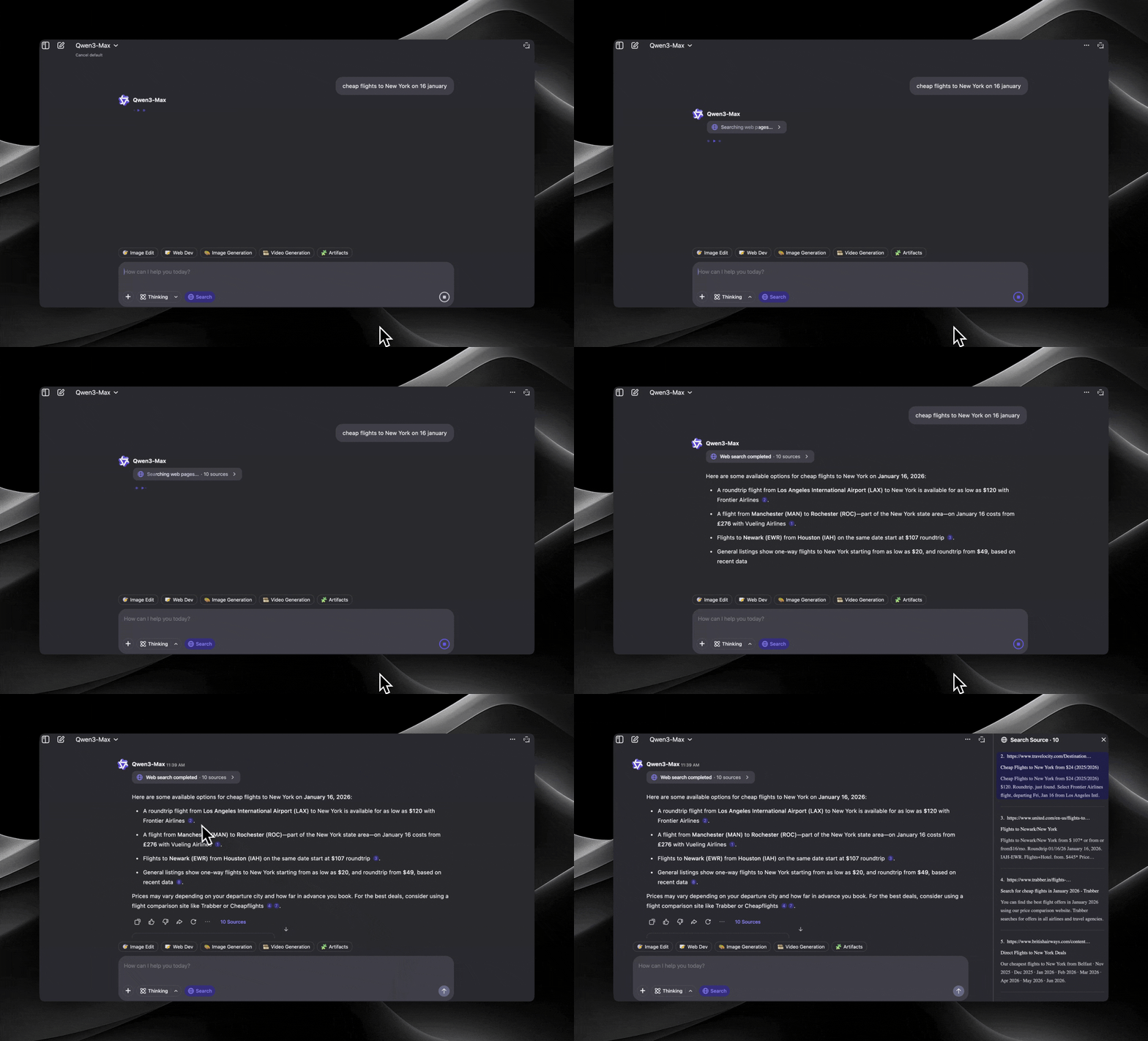
Deep Research
This is Deep Analysis: within 5–10 minutes, the model gathers, cross-references, and structures information on your topic from multiple sources, then delivers a ready-to-use analytical report in PDF format: complete with clear logic, informative visuals, purpose-built diagrams, and fully transparent source citations.
Run an analysis
Regular chat
Answers questions, explains complex topics in simple terms, assists with studies and work, writes and edits texts, generates ideas, reviews code and produces structured content such as lists, guides, notes.
One example of using Qwen for studying: send your exam topics or question sets, and the model will generate a quiz, flashcards, or interactive questions to help you memorize the material.
Start chatting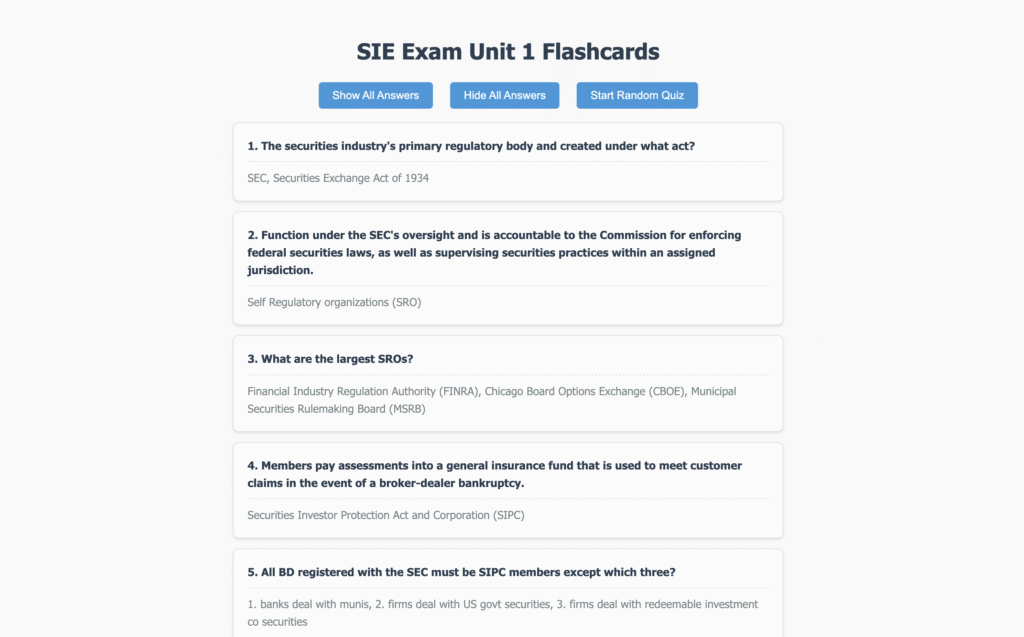
And if you’re ready, it can run a full “exam” like a teacher, testing your knowledge on the topic.

File upload
Qwen supports uploading various file types, including audio, images, and video, with tailored processing for each.
Audio
Qwen works with audio files up to 3 minutes long: it can describe the content, recognize speech and transcribe into text, and even create a new song based on the uploaded audio.
For example, you can dictate or upload an existing voice note, and Qwen will turn it into clear, structured text or a convenient task list.
Upload audio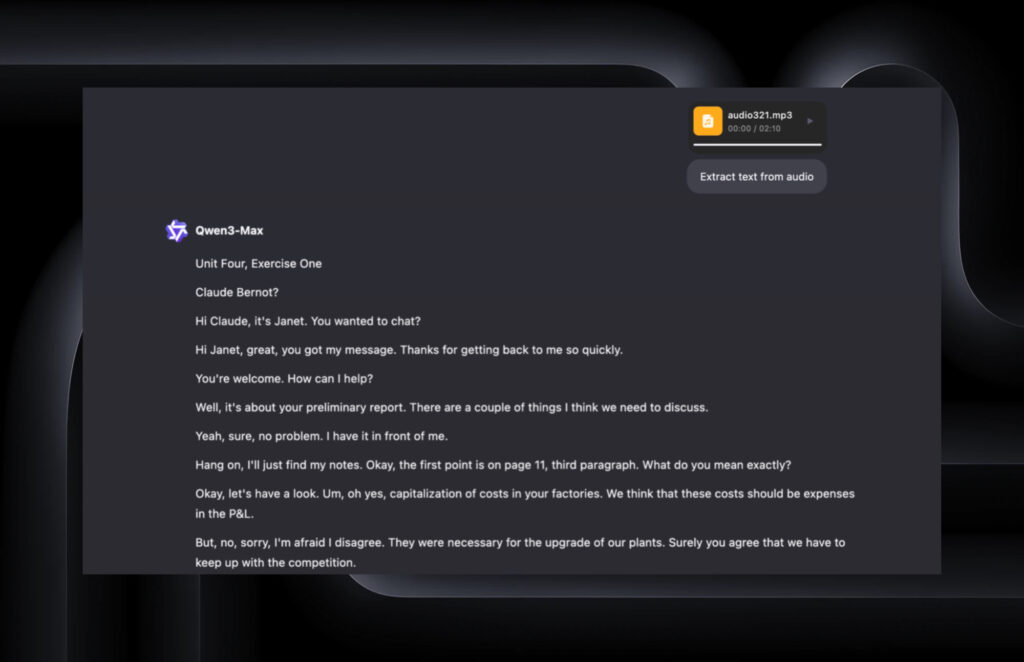
Images
Enhances image quality, boosts detail, describes the content of the frame, and extracts text. It can translate on-screen text into another language, detect objects in the photo, edit the uploaded image, and generate a similar version based on the original.
You can edit your photo simply by describing the changes you want:
Edit your photo
This is the photo we got after editing with Qwen

Video
Qwen can analyze uploaded videos: it describes what’s happening on screen, highlights key moments and offers suggestions for improvement. It can also generate a new video similar to the original and create fitting captions for social media posts.
You can upload a video and Qwen will extract the key moments from it.
Add a video to the chat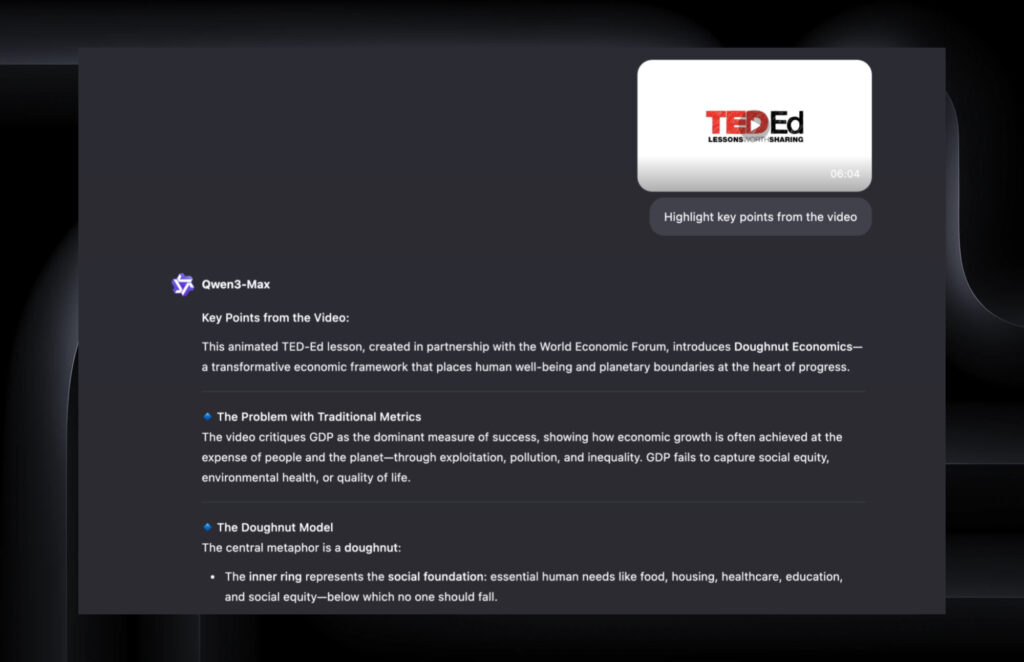
Benefits of working in the sidebar
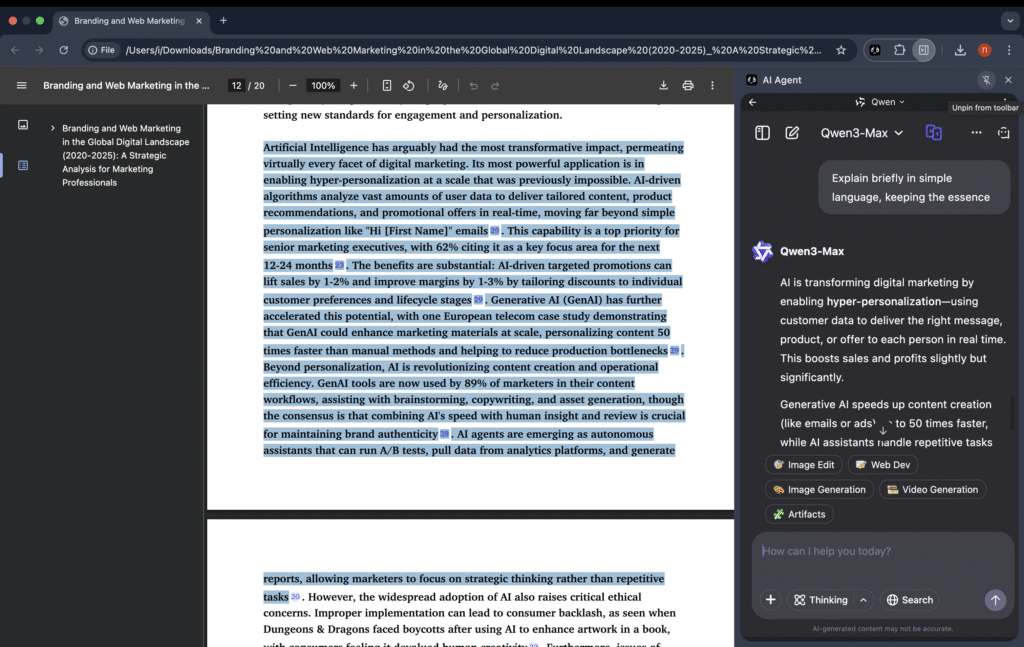
It works right in your browser’s sidebar, so you don’t need to switch between tabs. You can analyze the current page, create content or ask questions about the material you’re viewing: a text, a website, a document or a video. This saves time and turns Qwen into a convenient tool that works on top of any service.
Do you need to register?
Registration is not required to use Qwen, but it may be needed to access additional features such as saving history or uploading files.
How much does it cost?
Using Qwen is free, but there are limits. Each account gets about 1 million tokens for text models with no daily cap, but there are rate limits — from 10 to 60 requests per minute depending on the model (Qwen-Turbo, Qwen-Plus, Qwen-Max).
Image generation is limited to up to 20 images per day and video generation to up to 5 clips per day. For speech functions (synthesis and recognition), you get roughly 50–100 thousand characters and 2–5 hours of audio per month.
Limits are refreshed daily or monthly, but if that’s not enough for your tasks, you can purchase additional tokens or packages (separately for text, images, video or speech) in your Alibaba Cloud account.
What is Qwen?
Qwen is a multitask tool that can understand text, images, audio, and video. It answers questions, explains complex topics, writes and edits texts, helps with code, analyzes files and creates content. It’s a universal model you can use for studying, work and everyday tasks.
Model history
Qwen is a family of models developed by Alibaba since 2023.
First, text versions were released, then support for images, audio, and video was added. The model has been gradually improved: better answer quality, speed, accuracy, and multimodal capabilities. Today, Qwen is one of the fastest and most versatile open models, used in products, development, and education.



Publish your tool
Extend the extension with your own tools, workflows, and custom automations